Repetitive work
Routine tasks eat up hours.

CUSTOM CRM DEVELOPMENT
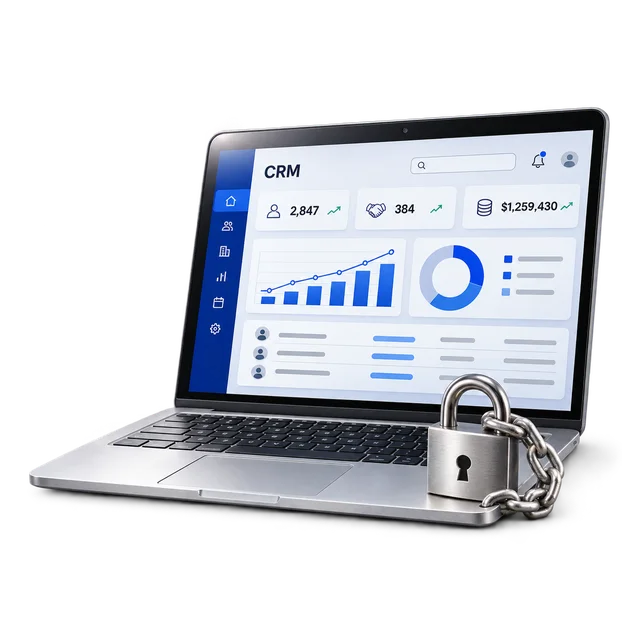
We build custom CRM systems that bring your leads, conversations, teams, and projects together around the way you work. A custom CRM for the way your team works.

Should I contact these leads?

All open deals followed up. Four positive replies and one payment received.
THE PROBLEMS WE SOLVE
Missed opportunities. Repetitive work. Disconnected tools. Rising costs. Sound familiar?
Routine tasks eat up hours.
Interested leads move on.

Leads wait until morning.
Every new hire adds a fee.
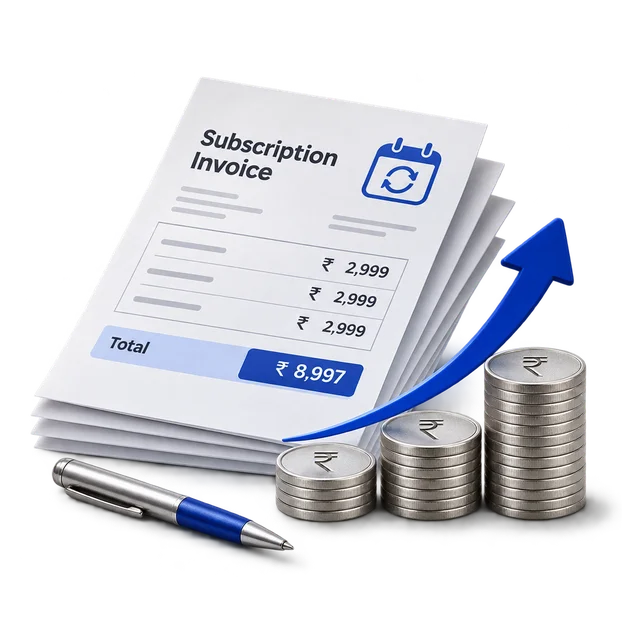
Teams re-enter lead details.

Finished work goes unpaid.
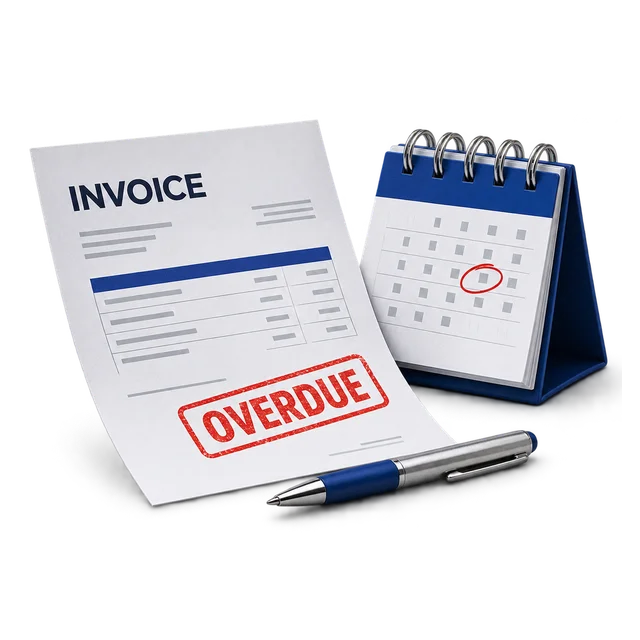
Teams answer the same questions.
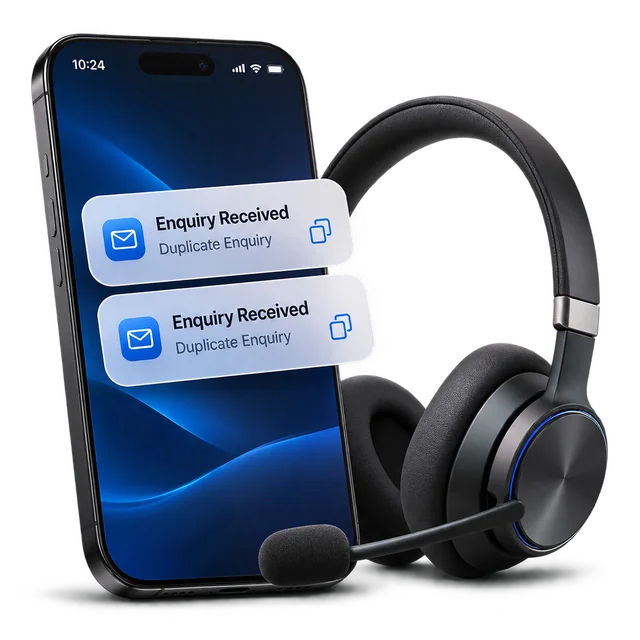
Leads, chats, and tasks are scattered.
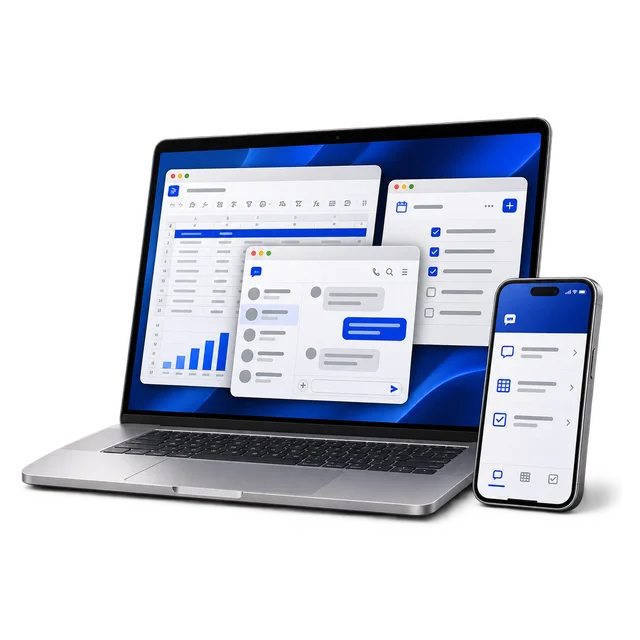
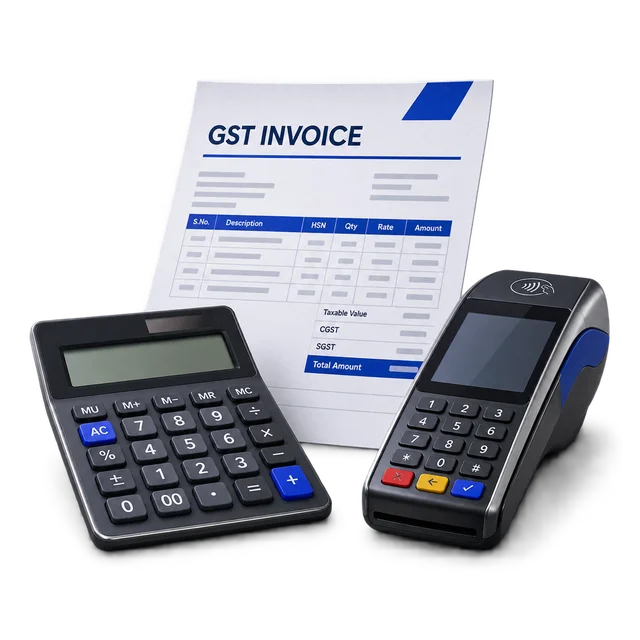
Invoices need a separate tool.
Exceptions still need review.
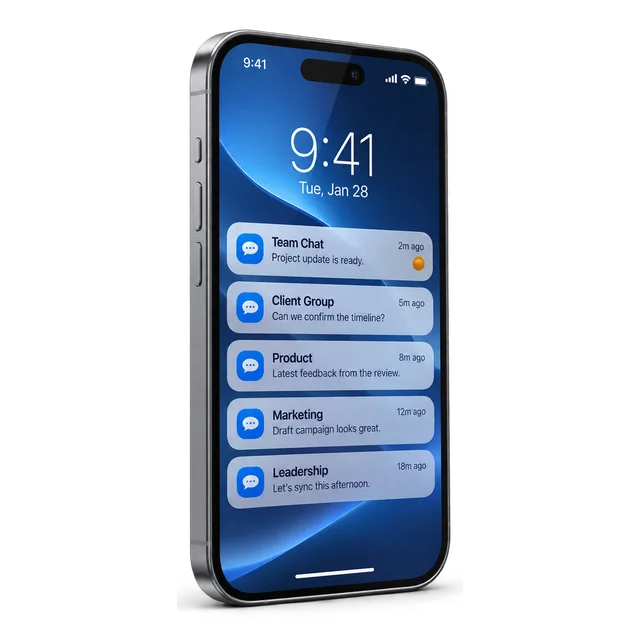
Customer chats go unanswered.
Your team works around the software.
Nobody knows which tasks are done.
Key numbers live in different tools.

Illustrative demos · Sample data
After-hours enquiries
Invoice reminders and verification
AI replies and human handoff
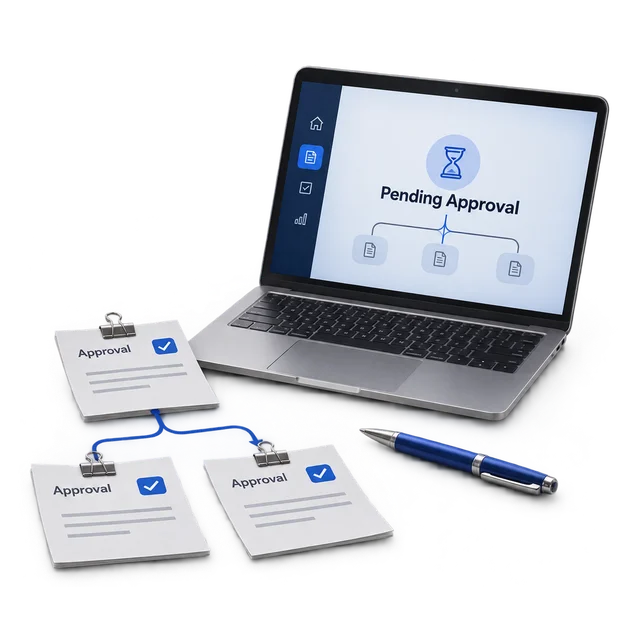
When a job changes hands, the next team can see what the customer asked for, what was approved, and what’s ready to start. Sales, finance, and delivery work from one customer record.
Marketing agency example
The client’s campaign brief is saved with their contact details and the account owner.
The accepted quote records the deliverables and launch date.
Finance links the payment to the invoice so the account team can see it’s cleared.
The creative lead starts with the approved brief and payment status, then records client sign-off after launch.
We build custom CRMs around the day-to-day work of teams in these industries and beyond.
Manage appointment enquiries, reminders, and follow-ups.
Capture leads from ads and forms and track where they came from.
Keep campaign briefs, creative approvals, and client feedback together.
Track accounts, quotes, sales handoffs, and renewals.
Follow enquiries from site survey and quote through installation.
Organize booking requests, dispatch handoffs, and delivery updates.
Manage property enquiries, site visits, and buyer follow-ups.
Keep customer conversations, order enquiries, and returns in one place.
Track booking enquiries, shoot dates, deposits, and gallery delivery.
Follow admissions enquiries, counselling appointments, and enrolments.
Manage distributor accounts, retailer orders, and reorder follow-ups.
Track catering enquiries, event bookings, and repeat orders.
Connect consultations, proposals, approvals, and client onboarding.
Assign service requests, schedule visits, and send customers job updates.
Choose how your team tracks work, what each role sees, and which steps run automatically.
Bring enquiries, spreadsheets, payments, and AI workflows together in your CRM.
 WhatsApp
 Facebook
 Instagram
 Google Business Profile
 Gmail
 Slack
 Google Sheets
 Google Drive
 Office 365
 Odoo ERP
 PayPal Payment gateway
 Stripe
 ChatGPT
 Claude
 MCP Server
 ElevenLabs AI agents
 LangGraph Agentic AI
 Pinecone RAG
 n8n
 Make.com
 Razorpay
 Amazon S3
 AWS
 Microsoft Azure
We review what you can export from spreadsheets or your current CRM, from contacts and open deals to any history the source can provide. We agree which records to move, how to match fields, and how to handle duplicates before import.
“Can I get a quote for rooftop solar at our warehouse in Pune?”
AI assistant
AI tags the message as a commercial solar enquiry and drafts a reply asking for the site postcode and approximate roof size.
Routing rule
The CRM uses the enquiry type and location to assign the lead to the commercial solar team. Enquiries outside the service area go to manual review.
Your team
A team member reviews the draft before sending, confirms the site details, and approves the quote. They also handle any exceptions the rule flags.
An off-the-shelf CRM can suit standard workflows and a quick rollout. A custom build is worth considering when your team needs specific handoffs, approvals, or integrations.
| Area | Off-the-shelf CRM | Custom CRM |
|---|---|---|
| Workflow | Adjust the product’s standard stages and rules where settings allow. | Match your actual steps, such as enquiry, site survey, quote, and installation. |
| Setup & rollout | Start from templates when your team can use the standard setup. | Build and test the first workflow with your team, then add modules in phases. |
| Integrations | Use the connectors and sync options available on your plan. | Decide what should sync, such as which website form fields create a lead. |
| Access & approvals | Assign the roles and approval options available in the product. | Let sales edit deals, finance manage invoices, and managers approve discounts. |
| Reporting | Use built-in reports for metrics such as pipeline value and conversion. | Track what your team acts on, like enquiries awaiting a reply or quotes awaiting approval. |
| Costs & support | Compare subscription tiers, user limits, add-ons, and included support. | Review the build quote and separate ongoing costs for hosting, APIs, and support. |
| Future changes | Use product settings and extensions to change the workflow as your needs evolve. | Scope a new step when you need it, such as handing a paid job to delivery. |
We prepare a custom proposal once we understand the workflows you want to improve.
Book a Consultation MeetingFADNEX.tech plans and builds custom CRM systems. Your proposal defines the features, deployment, and support arrangements.
Yes. We can start with your priority workflows and plan additional modules in later phases.
Potentially. We evaluate the provider’s APIs, access requirements, policies, and project scope during discovery.
Yes. Roles, permissions, and approval workflows can be designed around your team’s responsibilities.
Yes. We evaluate where they save effort and plan for reliability, data handling, permissions, and human review.
We prepare a quote after reviewing features, integrations, migration needs, and support requirements.
We propose milestones after reviewing the requirements, complexity, and integration dependencies.
We can assess migration from spreadsheets and existing tools based on export access, structure, and data quality.
Hosting, messaging, APIs, and maintenance may involve ongoing charges. These are explained separately in the proposal.
Your proposal is where we agree on where the CRM will run, who can access and export records, and what handover, training, or ongoing support is included.
We can plan for expansion and scope future enhancements as your team’s needs develop.
Bring one slow or repetitive task, like following up on enquiries or chasing invoices. We’ll talk through where to start and choose a way to measure improvement, such as response time or hours saved each week.
Book a Consultation Meeting